Microsoft is force-installing Windows 11 25H2 on every PC before 26H2, but it’s actually painless
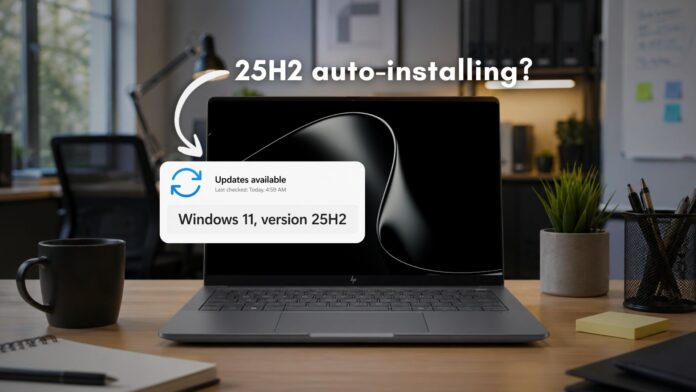 All eligible Windows 11 devices running a Home or Pro version will be updated to 25H2 automatically
 Microsoft has quietly expanded the Windows 11 25H2 rollout to cover all eligible Home and Pro devices not managed by IT departments. The company’s machine learning-based intelligent rollout is now in its final stages, and your PC could receive the upgrade whether you asked for it or not. With Windows 11 26H2 now officially confirmed for fall 2026, the timing of this push is no coincidence.
Note that the forced installation is not a bad thing. Windows 11 25H2 is the same codebase as 24H2, takes only minutes to install, and extends your device’s support lifecycle by a full year.
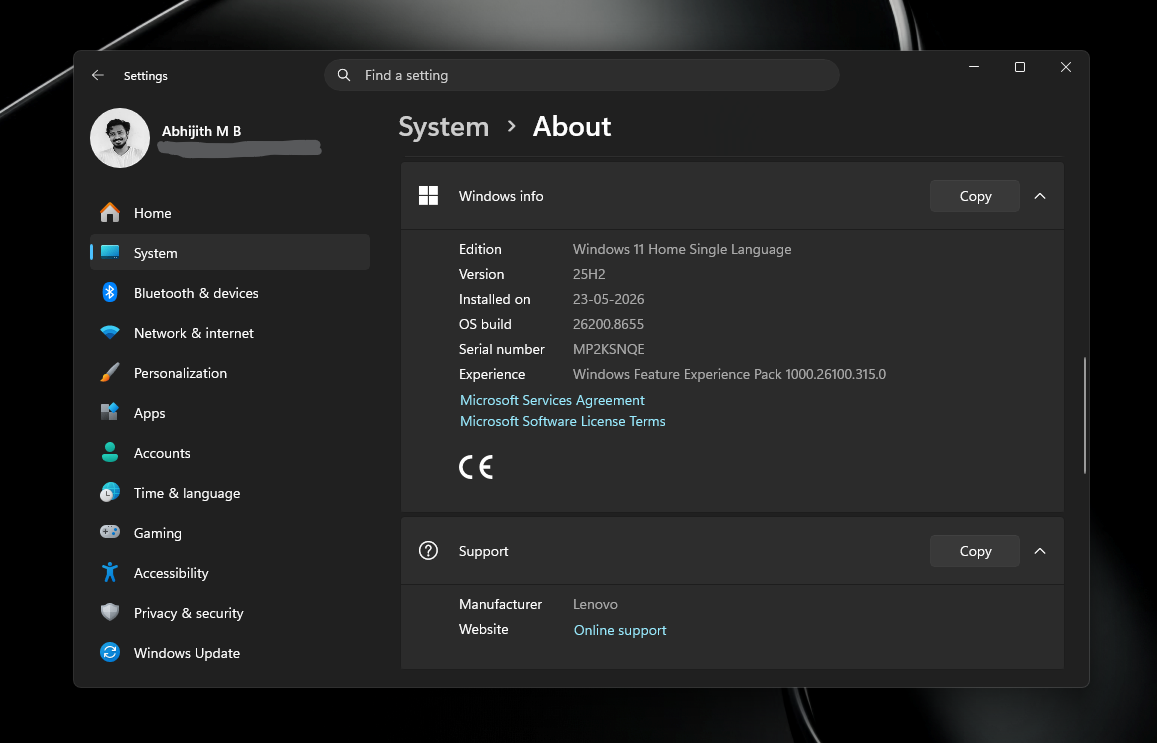
Windows 11 25H2 update is automatically installing in all eligible Home and Pro PCs
For months, the 25H2 rollout was selective. When Microsoft first documented its rollout status in March 2025, the Windows 11 release health page specified that the intelligent rollout had expanded only to devices running Home and Pro editions of Windows 11, version 24H2. Devices on 23H2 or older were not yet in scope for automatic installation.
By May 15, 2025, Microsoft updated the same document, and the wording shifted in a telling way. Gone was the specific mention of 24H2 as a prerequisite. The updated release health page now reads: “Devices running Home and Pro editions of Windows 11 that are not managed by IT departments will receive the update to Windows 11, version 25H2 through the machine learning-based intelligent rollout.”
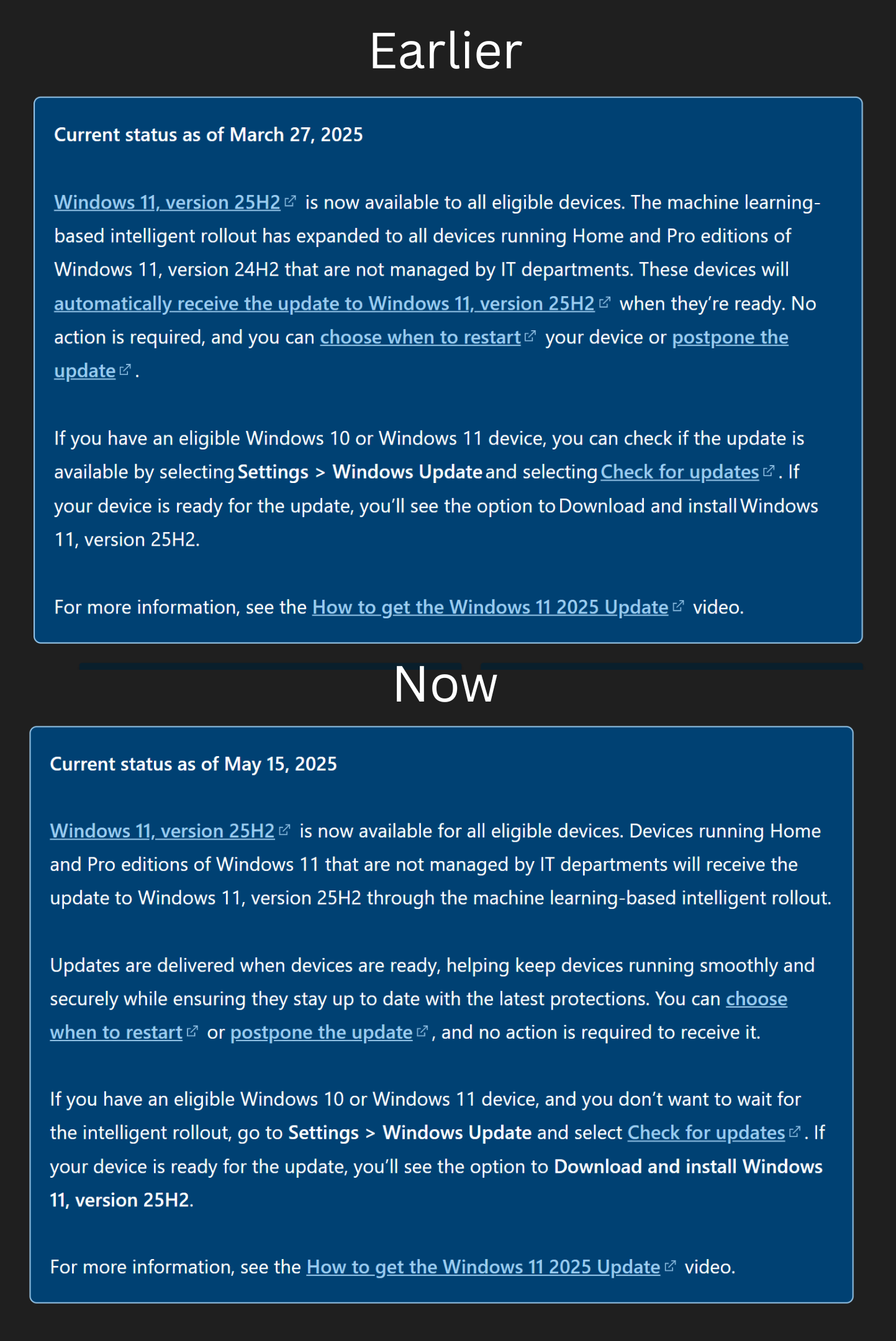
Removing the 24H2 qualifier shows that Microsoft expanded the scope to include devices on any eligible consumer version of Windows 11.
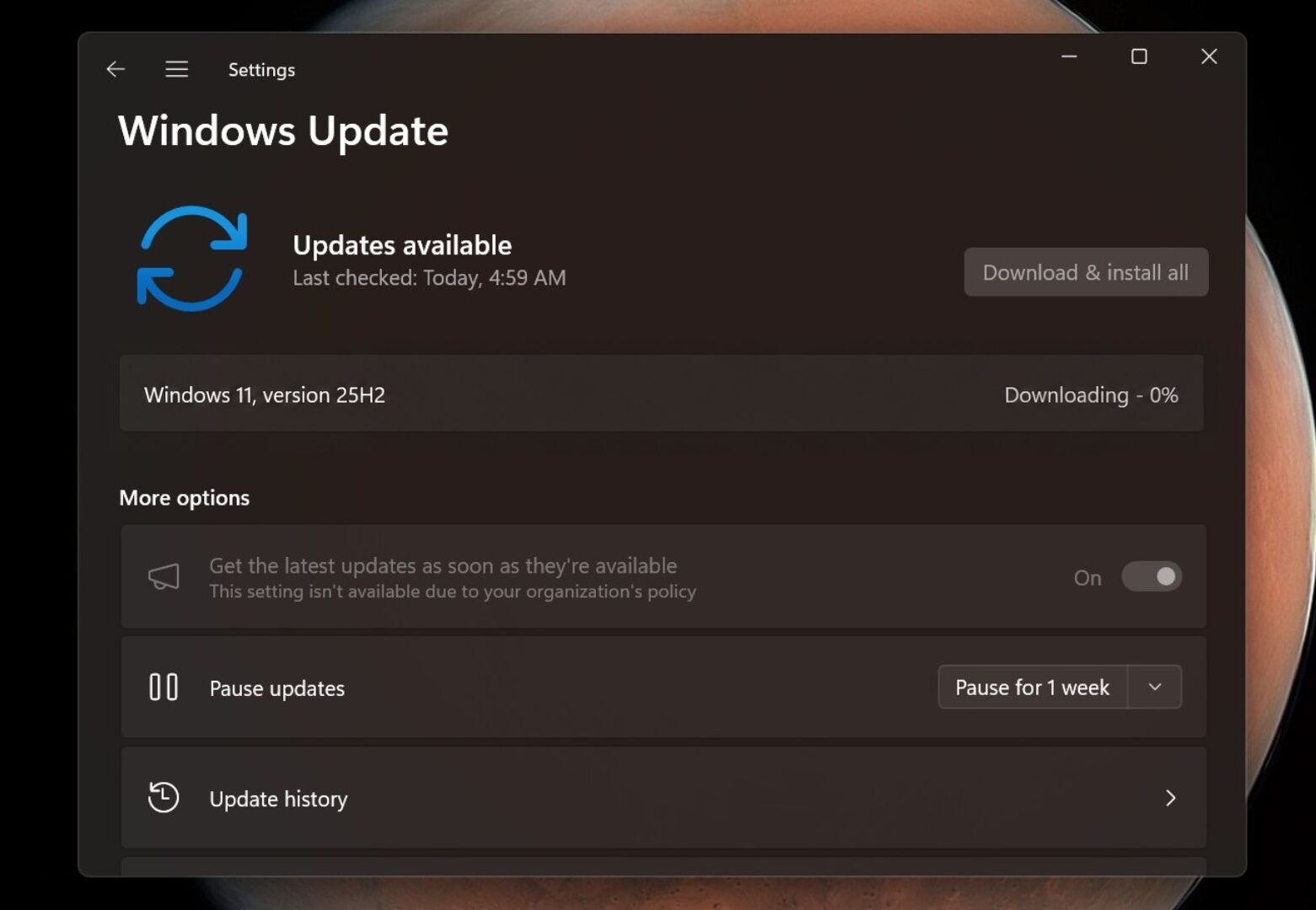
Windows Latest previously reported that 23H2 devices were being force-upgraded to 25H2 after that version hit end-of-life in November 2025. What is new is that the rollout now covers all unmanaged consumer PCs, regardless of which supported version of Windows 11 they are running. Managed enterprise devices remain excluded for now.
Windows 11 23H2 stopped receiving security updates for Home and Pro users in November 2025. Version 24H2 is on a similar clock, with consumer support ending in October 2026. Business editions on both versions get an additional year before Microsoft cuts the line, but the direction of travel is the same.
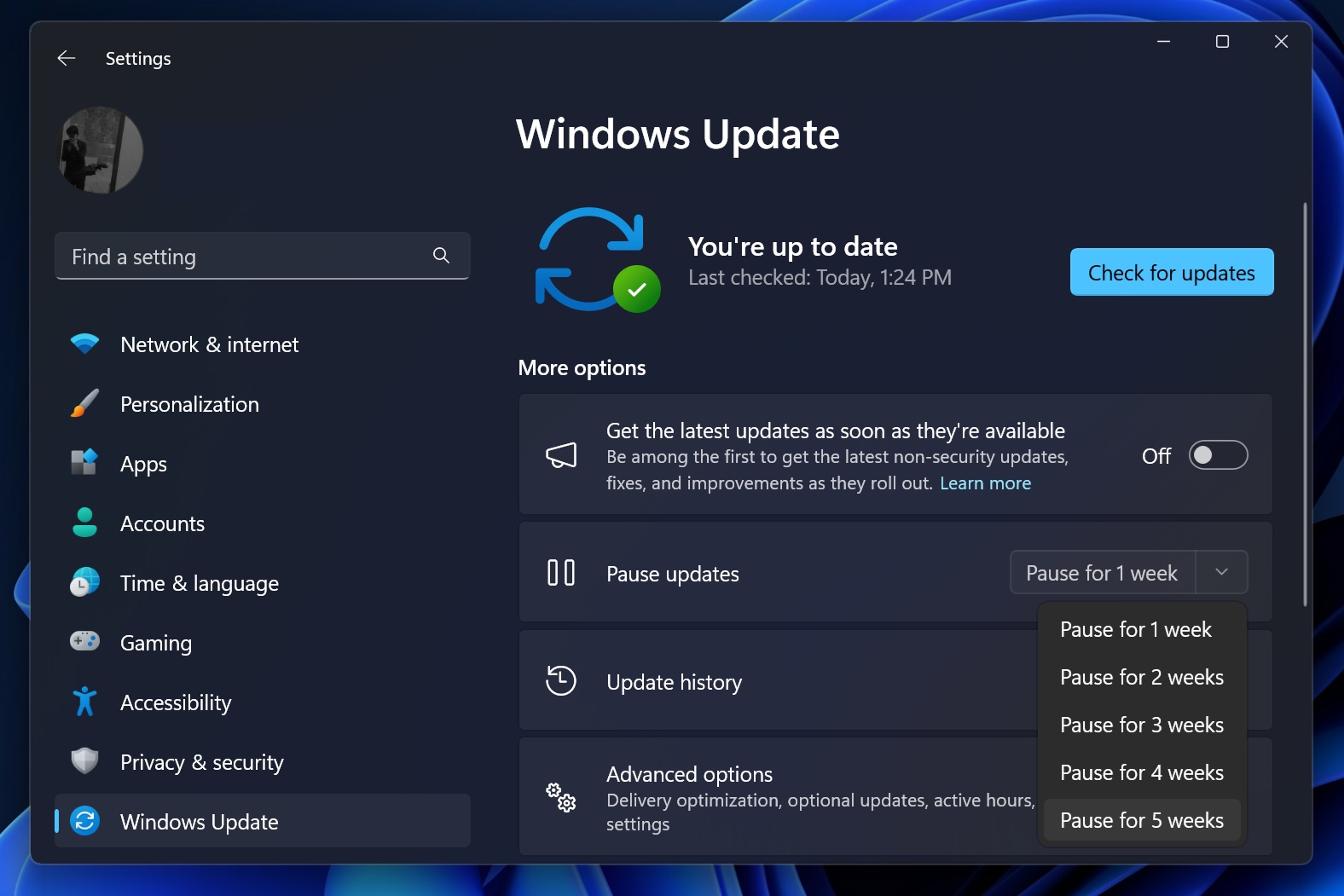
If you prefer not to wait, go to Settings > Windows Update and select Check for updates. If your device is ready, you will see the option to download and install version 25H2. You can also choose when to restart or pause the update if you need more time.
Windows 11 26H2 is official, and it builds on the same Germanium platform as 25H2 and 24H2
The urgency behind this rollout makes sense once you factor in what is coming next. As Windows Latest reported, Microsoft officially confirmed Windows 11 26H2 for a fall 2026 release. Getting devices onto 25H2 now is essentially preparation for that.
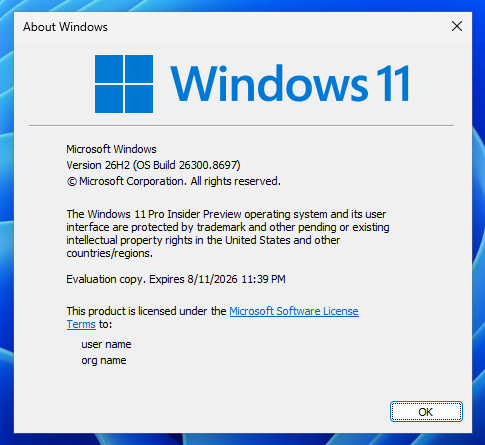
Like 25H2, Windows 11 26H2 will ship as a small enablement package for devices already running 24H2 or 25H2. As we observed with 25H2, the installation takes only minutes and a single reboot. Feature code is already present on the system in a disabled state, seeded through cumulative updates. The enablement package simply flips a switch and bumps the version number.
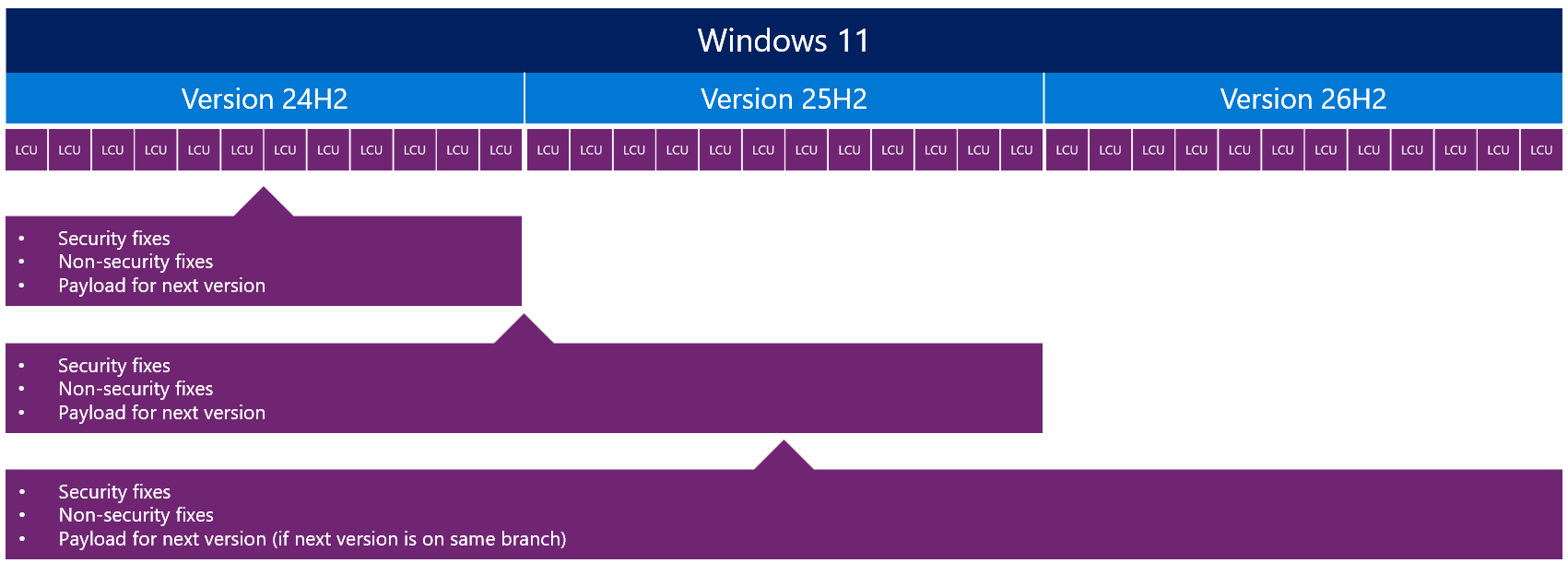
Windows 11 24H2, 25H2, and 26H2 all share the same underlying platform, codenamed Germanium. At the kernel level, all three are the same operating system, with features unlocked gradually over time. As we have explained before, upgrading between these releases is a formality and not a real platform shift. It is worth noting that this is the second time Windows 11 has used a shared servicing branch. The first was 22H2 and 23H2, which shared the same source code before 24H2 introduced a new branch entirely.
Windows 11 26H2 upgrade details and what home users and IT admins need to know
Since 24H2, 25H2, and 26H2 share the same source code, the upgrade path between them is about as close to a monthly cumulative update as a feature release can get. When the code for 26H2 is ready, four things happen in sequence.
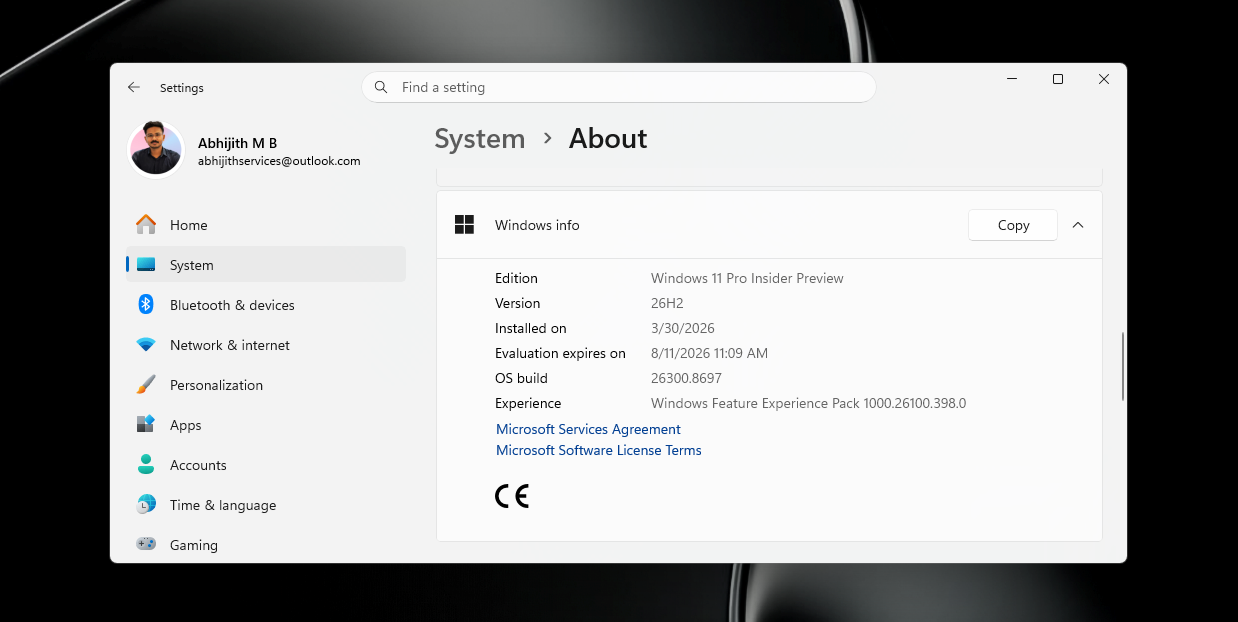
First, the disabled code flags on your device switch to enabled, the device restarts, the new features go live, and the build number moves to 26300. For devices already on 24H2 or 25H2, the package that causes all of this weighs just 174KB. A full upgrade from 23H2 requires a 5.3GB base image plus an 887MB cumulative update payload, coming close to 6.5GB in total.
 Source: Microsoft
Microsoft has confirmed there are no new hardware requirements for 26H2, so any device running 24H2 or 25H2 today qualifies without changes. Moving to 26H2 also resets the support lifecycle on your device. Home and Pro editions get 24 months of support from the general availability date, while Enterprise, Education, IoT Enterprise, and Enterprise Multi-session editions get 36 months. The 24H2/25H2/26H2 branch also covers the Long Term Servicing Channel editions of Windows 11, so LTSC deployments fall under the same model.
 Source: Microsoft
IT admins don’t have to test the full compatibility suite either. Since all three versions share the same source code, security fixes, and regression testing baseline, the only thing that changes is which features are switched on. Admins can test just the newly enabled features specifically, instead of revalidating the full application and hardware stack. Microsoft advises starting with the Experimental channel of the Windows Insider Program for early validation, then moving to the Release Preview stage for testing closer to final quality, before piloting with a small group and rolling out broadly. When 26H2 reaches general availability in the second half of 2026, it will be available through Windows Update, Windows Update for Business, and WSUS.
Note that devices running Windows 11 26H1 cannot upgrade to 26H2 through the standard path. Since 26H1 is built on Bromine, a different internal platform designed for next-generation ARM chips like the Snapdragon X2, those devices will have a separate path to a future Windows release. Microsoft is running both tracks in parallel, with Germanium continuing through 26H2 and Bromine for new ARM hardware. Both are expected to converge around the Windows 27H2 timeframe.
For the vast majority of users, none of that complexity applies right now. Windows 11 25H2 is a painless upgrade that extends your device’s support lifecycle by a full year, and with 26H2 arriving on the same platform in the fall, staying latest has never carried a lower risk.