Microsoft denies WSL 3 exists, reveals Windows 11’s WSL Containers ship next week
 No WSL 3, but WSL Containers are coming very soon
 Microsoft has shot down the idea that WSL 3 is on the way. The articles that have been calling it WSL 3 mixed up a different feature, WSL Containers, which the company showed at Build 2026 and is now days away from shipping. The correction came straight from the team that builds Windows Subsystem for Linux.
TL; DR: WSL 3 does not exist. WSL Containers does, and it shows up in less than a week.
Microsoft has officially denied that WSL 3 exists.
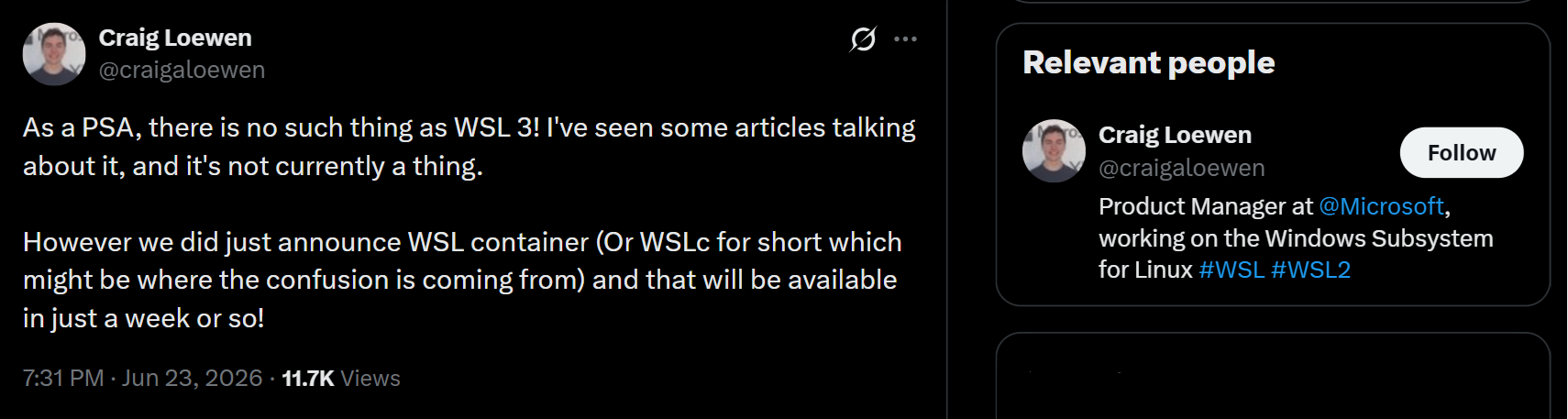
Craig Loewen, the Product Manager at Microsoft responsible for the Windows Subsystem for Linux, posted on X to clear up: “As a PSA, there is no such thing as WSL 3! I’ve seen some articles talking about it, and it’s not currently a thing.” Loewen was addressing a wave of articles that misidentified a different announcement.
The confusion started from Microsoft Build 2026, where the company announced WSL Containers, a new built-in feature that lets you create, run, and interact with Linux containers directly on Windows without third-party tools like Docker Desktop. Popular publications reported this as WSL 3, partly because the abbreviation WSLc was floating around.
According to Loewen, WSL Containers is not a versioned successor to WSL 2. It is a new capability built on top of the existing WSL infrastructure. He also confirmed it will be available in just a week or so from his post on June 23, 2026.
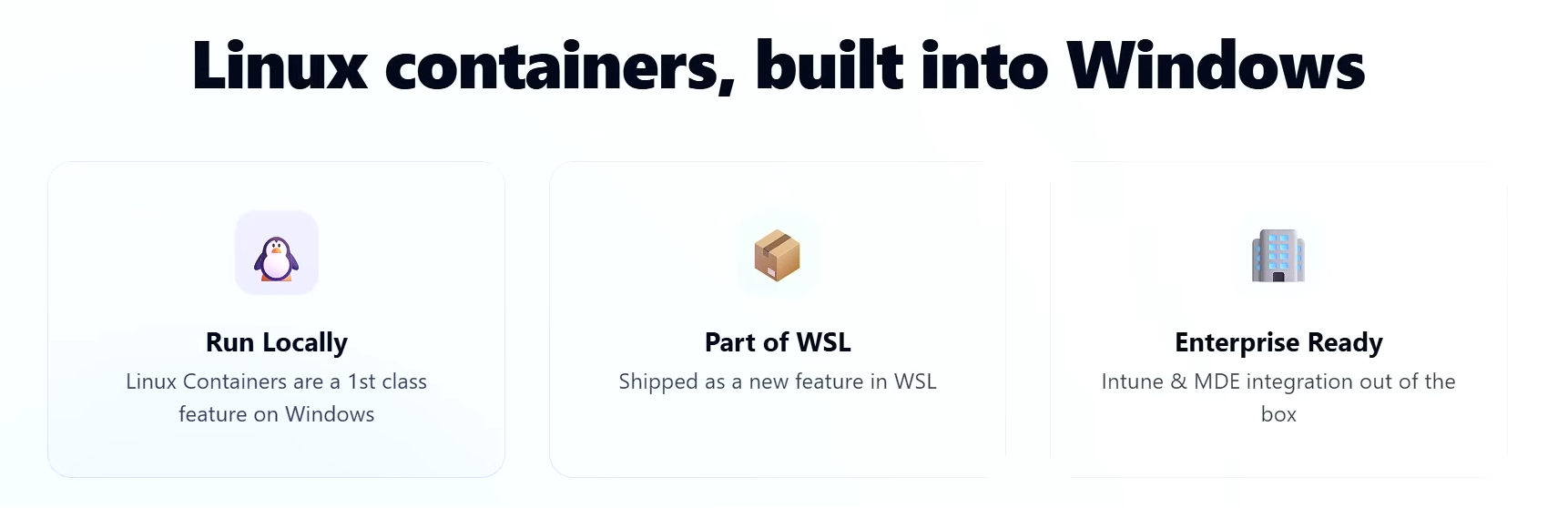
What is WSL, and what are WSL Containers
If you are not a developer, here’s a quick primer. WSL stands for Windows Subsystem for Linux, and it is a feature built into Windows that lets you run Linux environments directly inside Windows, without the need to dual-boot into a separate OS or set up a full VM.
However, a container is a lightweight, isolated environment that packages an application along with everything it needs to run, including dependencies, libraries, and configuration. Unlike a VM, a container does not simulate an entire operating system. It shares the host OS kernel but keeps its own file system and process space.
The advantage is that containers are faster to start, easier to share, and portable across machines. WSL Containers brings this container functionality directly into WSL itself.
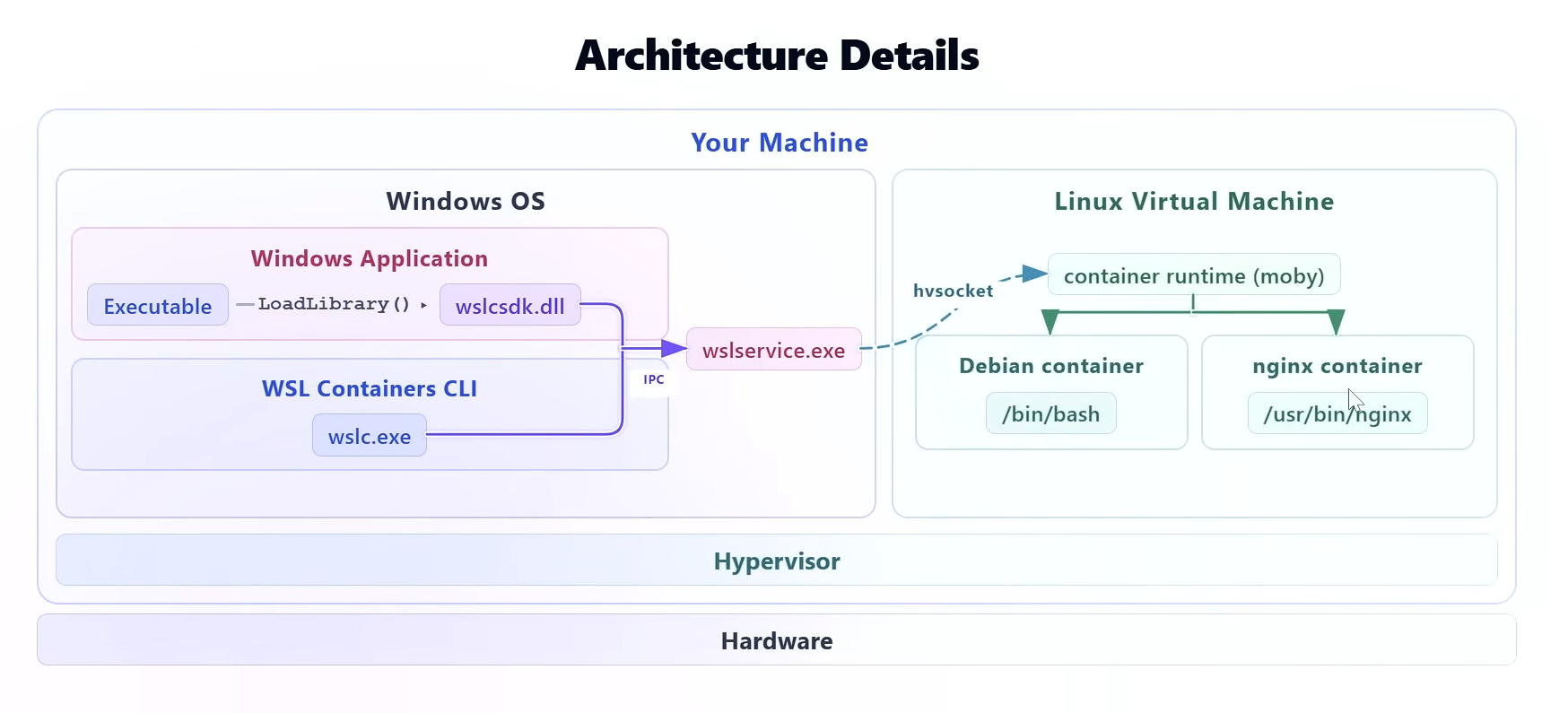
It is not identical to a native Linux installation, though. Networking goes through a translation layer, and the kernel is Microsoft-managed, so there are subtle differences developers occasionally run into.
WSL Containers vs WSL 1 and WSL 2: what is different
WSL Containers is not a version number. It is a new layer of capability on top of WSL’s existing virtual machine infrastructure.
WSL 1 launched in August 2016 as a translation layer that converted Linux system calls into Windows ones. There wasn’t any real Linux kernel, so containers were a non-starter.
WSL 2 arrived in preview in May 2019 with a full Linux kernel running inside a lightweight managed VM, which made Docker Desktop possible.
WSL 1 (2016)WSL 2 (2019)WSL Containers (2026)Primary purposeRun Linux command-line tools on WindowsRun a full Linux OS inside WindowsRun isolated Linux containers natively on WindowsEngineTranslation layer, no real Linux kernelReal Linux kernel in a lightweight Hyper-V VMDedicated Hyper-V engine built for OCI containersContainer supportNoYes, but needs Docker DesktopYes, natively via wslc.exeControl surfaceWindows Command Prompt or Linux terminalLinux terminal inside a distro (e.g., Ubuntu)wslc CLI from any Windows terminalSo, what problem is WSL Containers solving?
In case you didn’t know it already, developers who wanted Linux containers on Windows used Docker Desktop, which uses WSL 2 as its backend on Windows 11. Docker Desktop works well, but it comes with per-seat licensing costs for larger teams and needs a complex setup that IT administrators in enterprise environments have to manage separately.
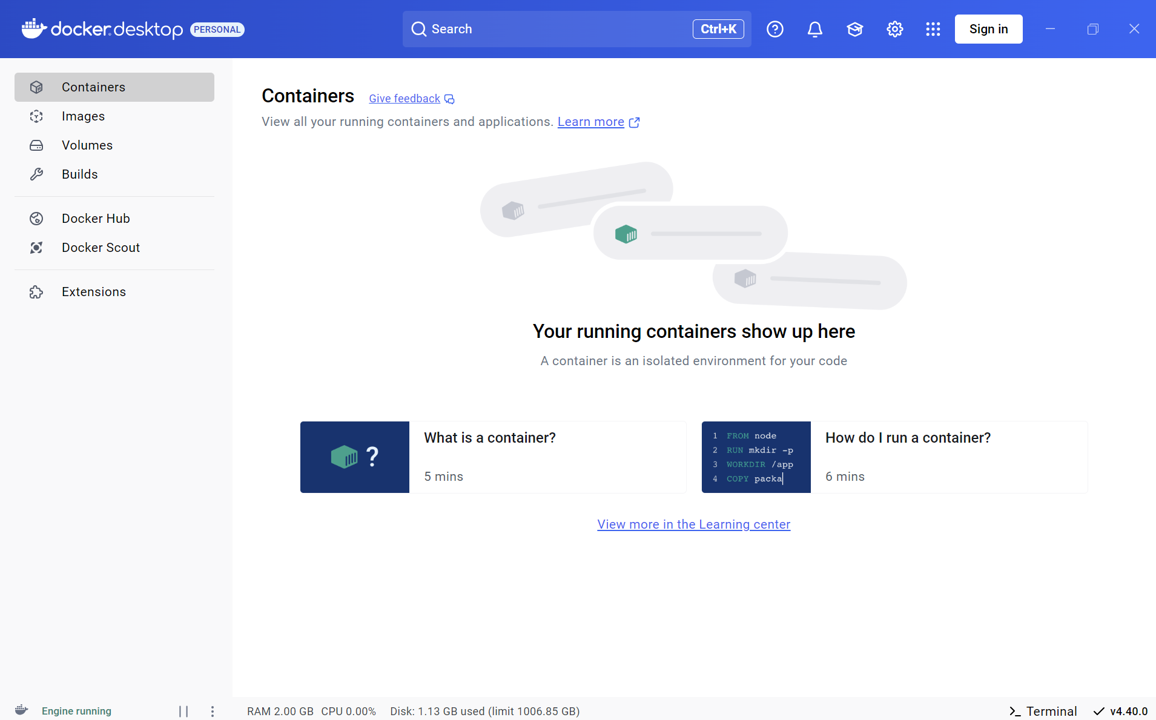
WSL Containers removes the need for Docker
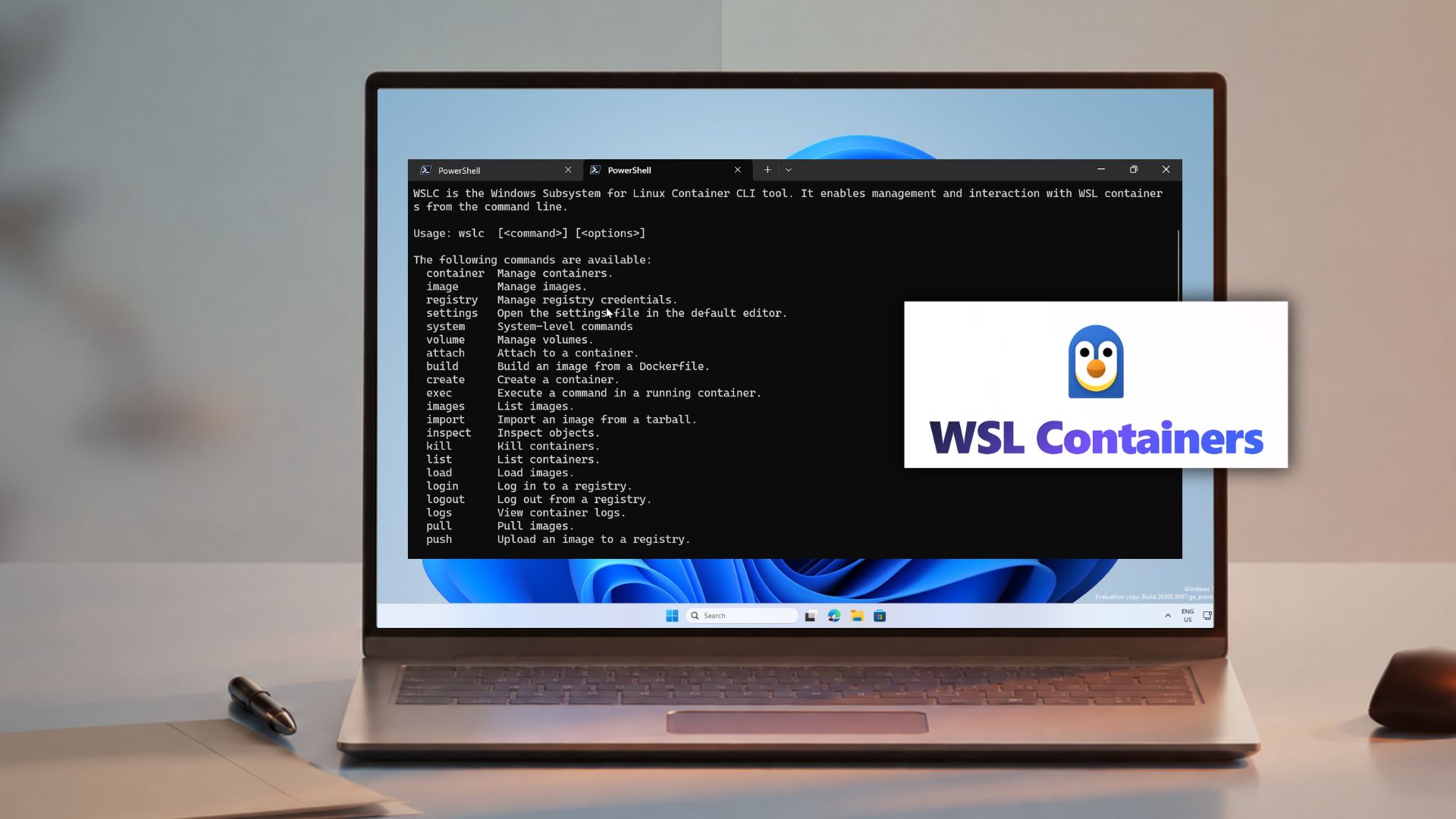
Containers can now be built, run, and deployed directly from Windows using wslc.exe, without installing Docker Desktop or any other third-party tool. The command syntax closely mirrors Docker, so developers do not face a steep relearning curve.
Note that developers can also install Docker Engine directly inside a WSL 2 distro to avoid Docker Desktop’s licensing costs, but that still requires manual setup inside Linux. WSL Containers skips that step entirely, making it a zero-install option that works straight from Windows without touching a distro.
WSL Containers also supports GPU passthrough via the Container Device Interface, which means you can run GPU-accelerated workloads like CUDA-based machine learning pipelines inside a Linux container on your Windows GPU drivers.
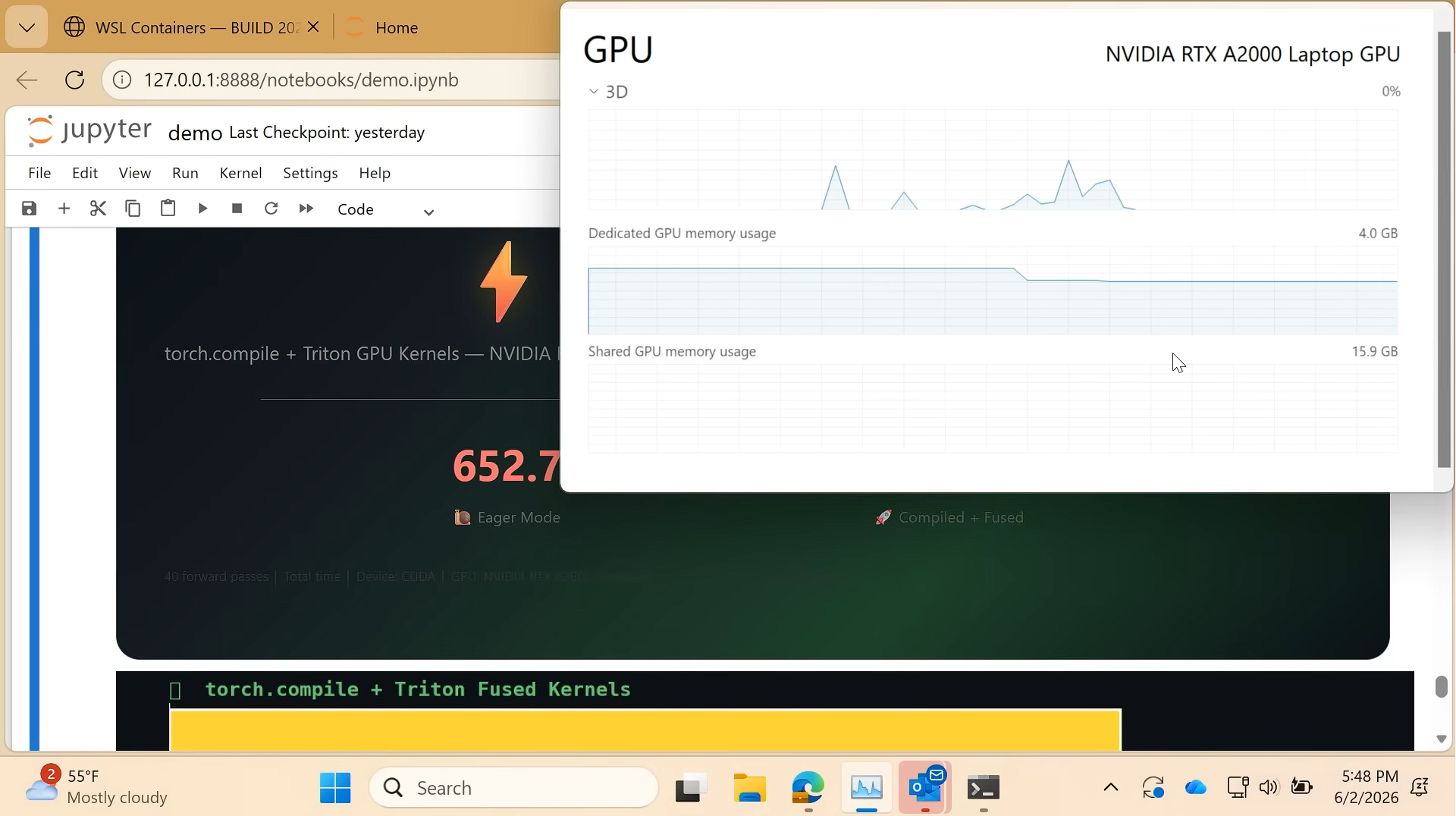
For enterprise IT administrators, the feature integrates into the existing Windows management infrastructure. Policy-based enablement through Group Policy or MDM controls, which containers can run and where images can be sourced from. Administrators can see running containers through standard Windows auditing tools, which is something Docker Desktop did not offer natively.
Microsoft announced WSL Containers at Build 2026
At Build 2026 on June 2, Microsoft positioned WSL Containers as a core part of its developer-optimized Windows 11 story. The official announcement, published by Executive Vice President Pavan Davuluri, described it as “a built-in way to create, run and interact with Linux containers on Windows.”
https://www.windowslatest.com/wp-content/uploads/2026/06/WSL-containers.mp4WSL Containers has two components:
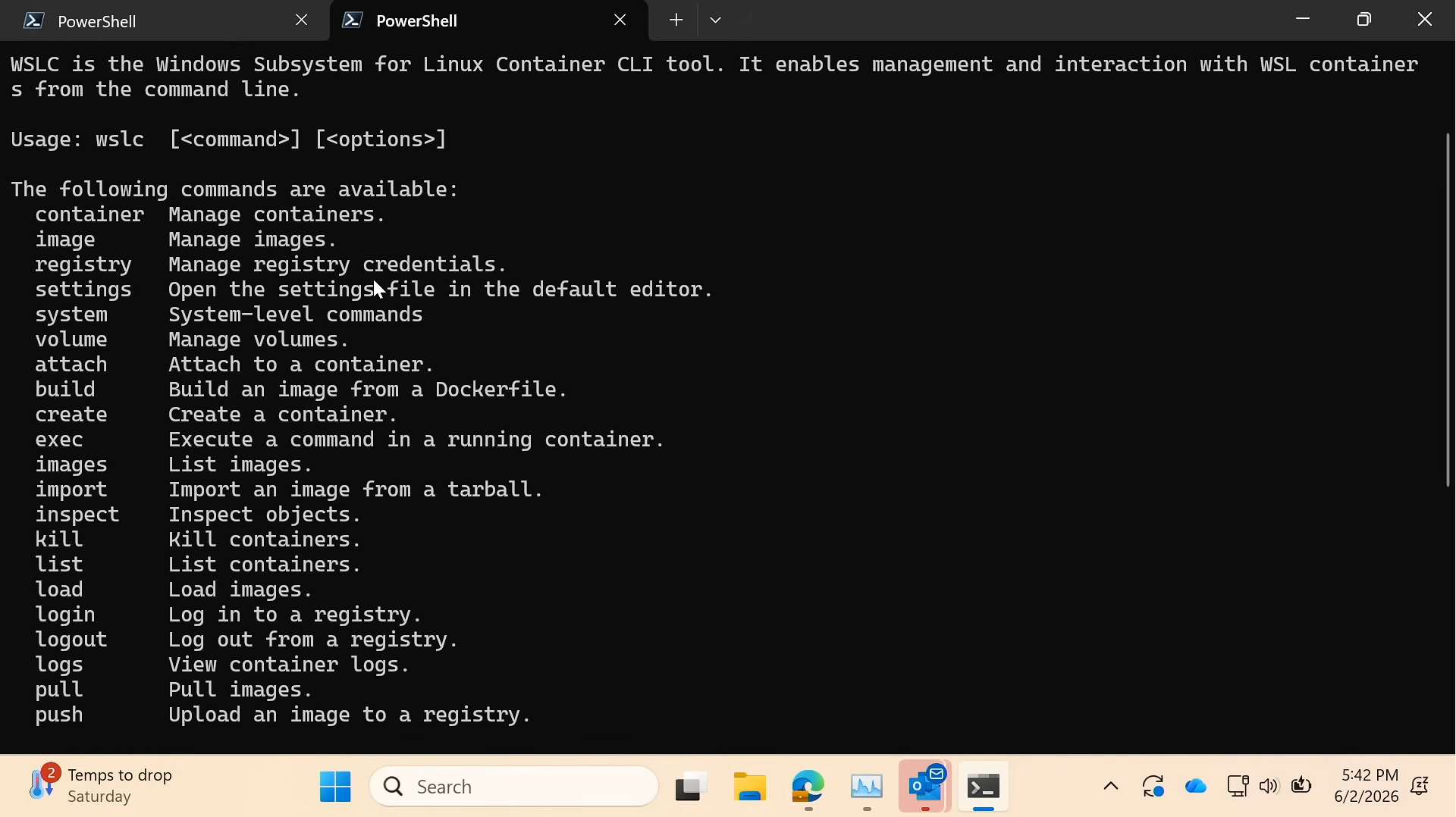
The CLI is the front-facing layer. Under the hood, the actual container runtime handling image management and process isolation is separate from the tool you type commands into, the same way the docker command is separate from the Docker Engine running beneath it.
Build 2026 also had a few other Linux tools for Windows 11. Coreutils for Windows is now generally available, bringing over 75 familiar Linux command-line utilities like ls, grep, cp, and mv natively to Windows without WSL or a VM. Built on the open-source uutils project in Rust, these commands run directly on Windows, which means scripts that use them work without modification. The Intelligent Terminal, an experimental feature that brings context-aware AI assistance directly into the terminal, was also previewed at the same event.
Why Microsoft keeps investing in Linux on Windows
Microsoft’s investments in WSL and Linux tooling are not altruistic. The company knows that if Windows becomes the easiest place to run Linux workloads, developers have fewer reasons to switch to macOS or a native Linux setup. We wrote about this when Microsoft outlined plans to upgrade WSL with faster file access, better networking, and easier setup.
Modern software development is overwhelmingly Linux-first. Build pipelines run on Linux. Cloud infrastructure runs on Linux. AI frameworks like PyTorch, TensorFlow, llama.cpp, and Ollama are built and optimized for Linux environments. Developers working on Windows have historically had to either fight their tools or maintain a separate Linux environment alongside their Windows machine.
With WSL 2 handling Linux kernel compatibility and WSL Containers eliminating the need for Docker Desktop, Microsoft is trying to remove every reason a developer might have to reach for a different platform. Coreutils on top of that means even the command-line muscle memory that belongs to macOS and Linux now works on Windows out of the box.
It’s good news for developers. Each iteration of WSL has consistently improved the experience. I’m also a fan of how WSL Containers arrive as a routine WSL update, available to every Windows 11 user without a major OS upgrade.